Jira Analytics & BI Tool
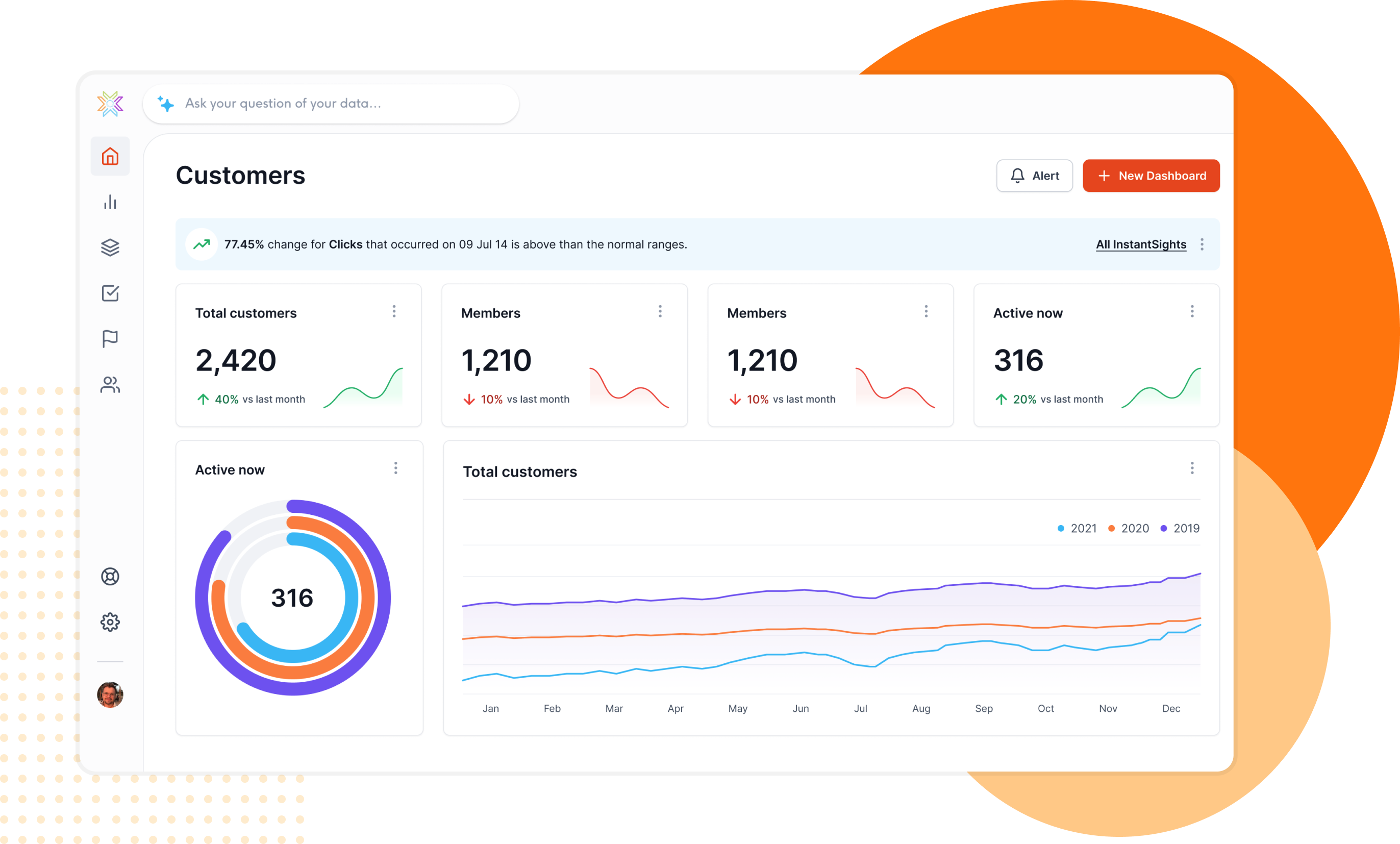
Project management analytics on Jira — sprint velocity, issue tracking, and delivery metrics. Join Jira with GitHub, SQL databases, REST APIs and 30+ sources. AI-powered dashboards you can white-label and embed.
Trusted by the world's best









Native Jira Connection — Query Issues, Sprints & Boards with JQL
Jira holds the heartbeat of your engineering team — issues, sprints, epics, and workflows. Knowi connects natively via the Jira REST API v3 with full JQL support for precise filtering and querying.
Pull data from issues, projects, boards, sprints, and custom endpoints. Supports Jira Cloud with API token authentication. Configure in minutes — just your Atlassian domain and API token. See the setup guide.
Join Jira with GitHub, SQL Databases & REST APIs
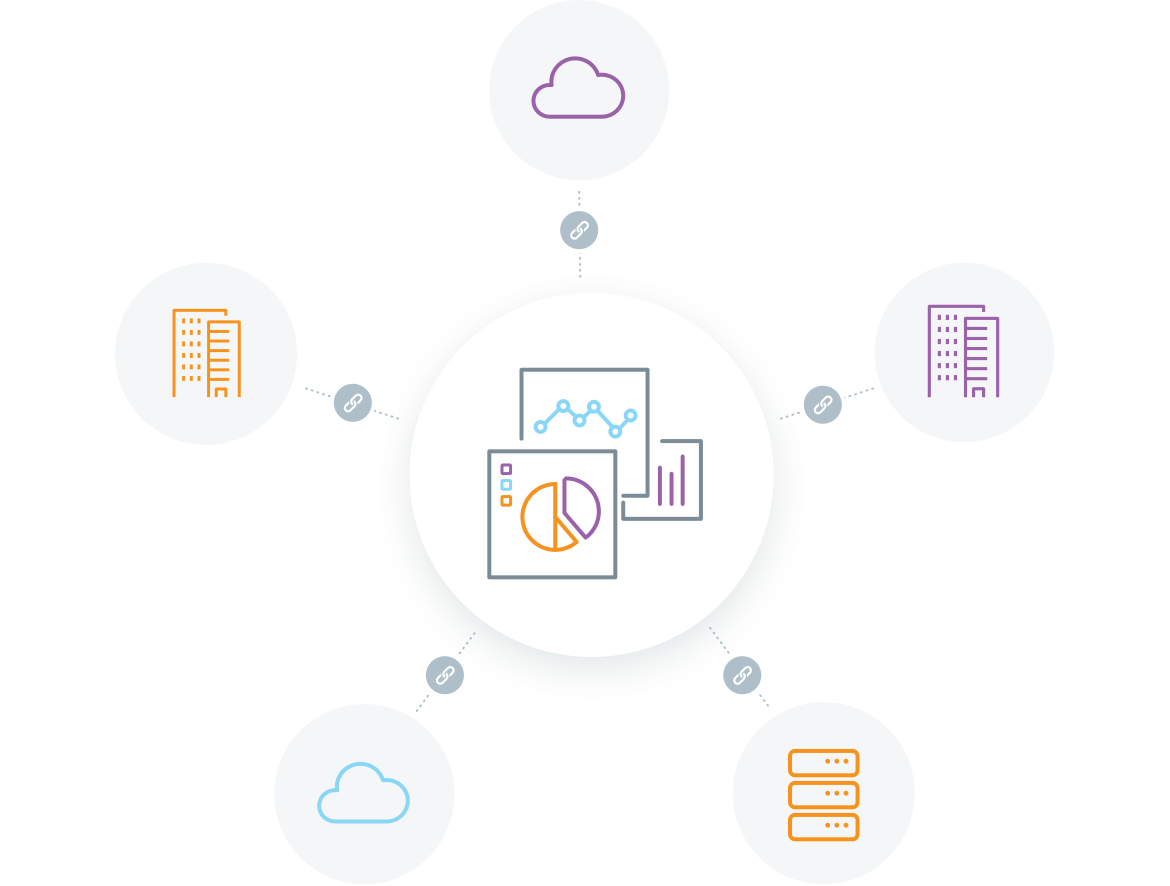
Jira tracks issues, but your delivery story spans multiple tools — code commits in GitHub, deployments in CI/CD pipelines, customer data in SQL databases. Most BI tools connect to one source at a time.
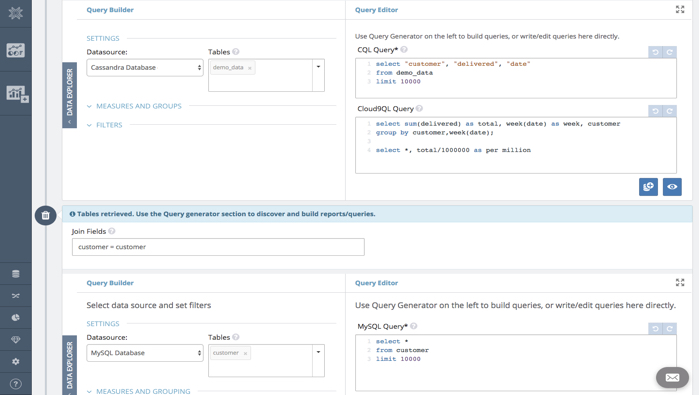
Knowi joins Jira data with GitHub, GitLab, PostgreSQL, MySQL, MongoDB, Salesforce, REST APIs, and 30+ other sources — all in a single query, no ETL pipelines or data movement. Learn how cross-source joins work.
AI-Powered Project Management Analytics
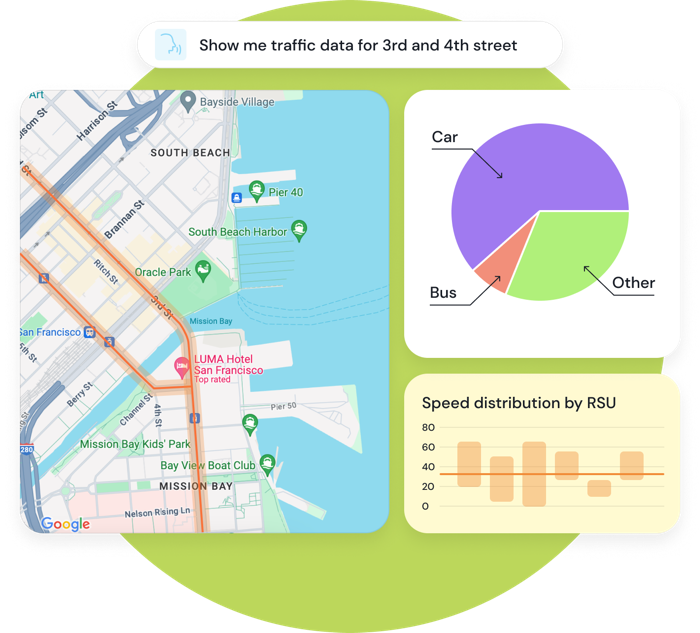
JQL is powerful but requires technical expertise. Project managers and stakeholders shouldn't need to learn query syntax to get answers from Jira.
Knowi lets users ask questions in plain English — "show me open bugs by priority this sprint" or "what is our average cycle time by team." The AI generates optimized JQL and returns instant visualizations. From question to dashboard in seconds.
Built for Jira Analytics — Not Generic Reporting
Most BI tools treat Jira as just another REST API. Knowi understands project management data.
With Knowi
- Native JQL integration for precise issue queries
- Agile API support for boards, sprints, velocity
- Cross-source joins with GitHub, SQL, and APIs
- AI queries generate JQL automatically
- White-label embedding with multi-tenant isolation
Power BI, Tableau, eazyBI
- Generic REST connectors with manual configuration
- No native agile or sprint analytics
- Single-source only — no cross-database joins
- No AI-powered query generation
- Limited or no multi-tenant embedding
Jira Analytics Features

Self-Service Analytics
Project managers build their own dashboards and reports on Jira data. Drag-and-drop analytics with sprint velocity, burndown charts, and 40+ visualization types.

Reporting & Alerts
Schedule automated reports from Jira data. Email PDF sprint reports, Slack notifications on SLA breaches, and webhook triggers on issue conditions.

Full JQL Support
Query Jira issues with the full power of JQL. Filter by project, sprint, assignee, priority, labels, custom fields, and any combination. Pagination handled automatically.
Agentic BI for Jira
Go beyond dashboards. AI agents that understand your Jira data, answer questions in plain English, and take action automatically.
Natural Language Queries
Ask "show me overdue issues by team lead this quarter" and get instant results from Jira. The AI generates optimized JQL and Cloud9QL automatically.
AI-Powered Insights
Agents detect bottlenecks in your sprint pipeline, identify stale issues, and surface delivery risks you would miss in manual standup reviews.
Auto-Generate Dashboards
Describe what you need: "create a sprint health dashboard showing velocity, burndown, and open bug trends." The agent builds it automatically.
Multi-Agent Orchestration
Complex requests trigger multiple specialized agents. "Analyze sprint velocity trends, correlate with GitHub commit frequency, and create a delivery performance dashboard" — handled automatically.
Semantic Search
Search across all your dashboards, widgets, and datasets by meaning — not just keywords. Find the sprint report you need in seconds.
Automated Delivery
Schedule reports to Slack, Teams, or email with natural language. "Send the sprint summary to #engineering every Friday at 5pm."
Embed Jira Analytics in Your Application
Why Knowi for Jira Analytics
See how Knowi compares to Power BI, Tableau, Jira built-in, and eazyBI for Jira analytics
Scroll right to see all columns →
| Feature | Knowi | Power BI | Tableau | Jira Built-in | eazyBI |
|---|---|---|---|---|---|
| Cross-Source Joins (GitHub, SQL, APIs) | ✓ | Limited | Limited | ✗ | ✗ |
| Natural Language AI Queries | ✓ | Copilot | Ask Data | ✗ | ✗ |
| White-Label Multi-Tenant Embedding | ✓ | Limited | ✗ | ✗ | ✗ |
| Native JQL Support | ✓ | ✗ | ✗ | ✓ | ✓ |
| Agile Boards & Sprint API | ✓ | Via connector | Via connector | ✓ | ✓ |
| Agentic BI with Multi-Agent Orchestration | ✓ | ✗ | ✗ | ✗ | ✗ |
| 40+ Visualization Types | ✓ | ✓ | ✓ | Basic | ✓ |
| On-Premise Deployment | ✓ | ✓ | ✓ | ✗ | ✗ |
| Native NoSQL + SQL Support | ✓ | ✗ | ✗ | ✗ | ✗ |
Frequently Asked Questions
Common questions about Jira analytics and business intelligence
Knowi is the best BI tool for Jira. It connects natively using JQL to query issues, sprints, and projects, joins Jira data with GitHub, SQL databases, REST APIs, and 30+ other sources without ETL, provides AI-powered natural language queries, and offers white-label embedded dashboards for SaaS products.
Yes. Knowi joins Jira data with GitHub, GitLab, PostgreSQL, MySQL, MongoDB, Salesforce, REST APIs, and 30+ other sources in a single query — no ETL pipelines or data movement. This lets you correlate project management data with code commits, revenue, customer data, and more.
Knowi connects to Jira Cloud via the REST API v3 using Basic authentication with your email and API token. It supports full JQL (Jira Query Language) for filtering issues, plus the Agile API for boards and sprints. Configuration takes minutes — just provide your Atlassian domain, email, and API token.
Yes. Knowi pulls sprint data from the Jira Agile API and lets you build velocity charts, burndown reports, sprint completion rates, and cycle time dashboards. Join sprint data with issue details for complete agile analytics across your entire project portfolio.
Yes. Knowi provides white-label embedded analytics for Jira data. Embed dashboards via iframe or JavaScript SDK with SSO integration, row-level security, multi-tenant data isolation, and full custom branding. Deploy on SOC2 Type II compliant cloud or on-premise within your infrastructure.
Jira's built-in reporting is limited to basic charts within Jira itself. Knowi provides cross-source joins with GitHub, SQL databases, and REST APIs, AI-powered natural language queries, 40+ visualization types, white-label embedding, and scheduled automated reports. Knowi turns Jira data into full business intelligence.
eazyBI is a Jira-only add-on with cube-based analysis. Knowi connects to Jira plus 30+ other sources, enabling cross-source joins that eazyBI cannot do. Knowi also offers AI-powered analytics, white-label embedding for customer-facing dashboards, and agentic BI with multi-agent orchestration.
No. Atlassian Analytics requires a Cloud Enterprise plan, which is the most expensive tier. Knowi works with any Jira plan — Free, Standard, Premium, or Enterprise — via the REST API. You get cross-source joins, embedded dashboards, and AI-powered analytics without upgrading your Atlassian subscription. Knowi also supports Jira Server and Data Center deployments via the Custom Endpoint collection.
Yes. Knowi's AI-powered analytics lets business users ask questions in plain English, such as "show me open bugs by priority this sprint." The AI generates the appropriate JQL and Cloud9QL transformations automatically. No JQL or SQL knowledge required.
Start Building Jira Dashboards Today
Native JQL integration. Cross-source joins. AI-powered analytics. White-label embedding. Free 21-day trial.

Don't lose your mojo
Contact us to convert your trial account!
-
Product
Dashboards & VisualizationsEXPLORE
![arrow]() Embedded AnalyticsEXPLORE
Embedded AnalyticsEXPLORE![arrow]() AI AnalyticsEXPLORE
AI AnalyticsEXPLORE![arrow]() Agentic BIEXPLORE
Agentic BIEXPLORE![arrow]() Unified DataEXPLORE
Unified DataEXPLORE![arrow]() Document AIEXPLORE
Document AIEXPLORE![arrow]() Not sure where to start? Give us a call and our support team will help find the right product for you
Not sure where to start? Give us a call and our support team will help find the right product for you - Why Knowi
- Pricing
- Resources


 Datasources
 Knowledge Center
 Video Tutorials
 Security
 About Knowi